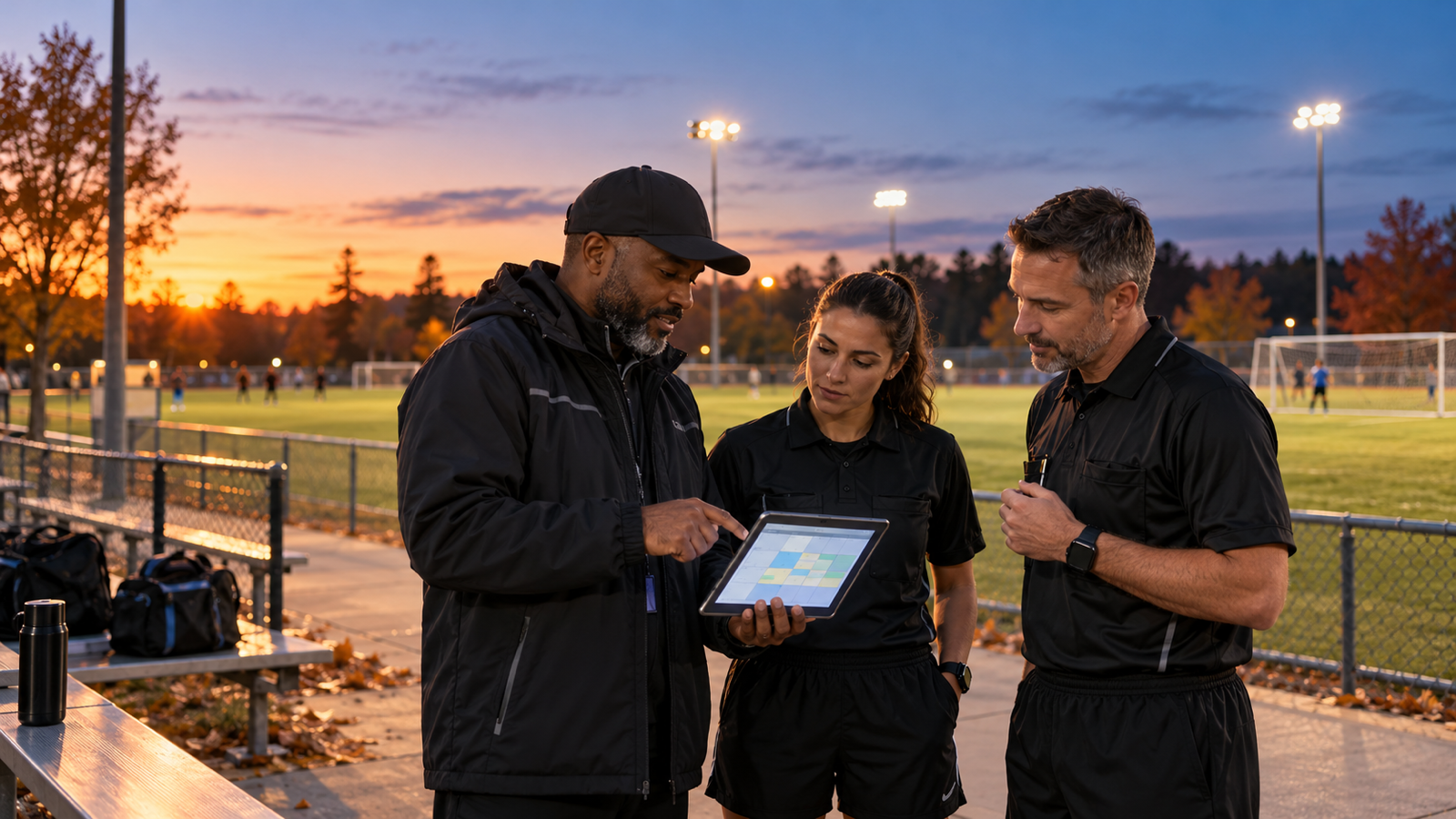
When daylight saving time ends, the clock change is automatic. A league's operating plan is not. An outdoor game that finished comfortably in daylight one week can run into dusk the next, while officials, coaches, and families may still be working from copied calendars or old start times.
Short answer
Before daylight saving time ends, compare every remaining outdoor game with local sunset and usable field-lighting hours. Move vulnerable start times, confirm facility access, recalculate official arrival and travel windows, and send one complete schedule update that requires acknowledgment. Keep a named backup official and a clear stop-or-relocate rule for any game that could outlast safe playing conditions. Recheck the plan after weather postponements or venue changes.
Why a daylight saving time schedule reset is timely now
U.S. search attention has turned sharply toward the clock change. In the current 90-day Google Trends comparison, relative interest for “daylight saving time” rose from 7 on October 23 and 6 on October 24 to 100 on October 25. The related query “when does daylight savings time end in 2026” was marked Breakout. Google Trends values are normalized search interest, not a count of scheduling problems, but the spike shows that the clock change is now top of mind.
The deadline is concrete. The National Institute of Standards and Technology states that daylight saving time ends in 2026 on November 1 at 2 a.m. local time. Clocks move back one hour in participating U.S. locations. That does not change the sun's position; it makes sunset occur at an earlier clock time.
Not every U.S. jurisdiction observes daylight saving time, and local sunset varies by date and location. Use the rule and solar data that apply to each venue. The NOAA Solar Calculator can produce sunrise and sunset information for a selected place and date, although NOAA notes that the legacy calculator is no longer actively maintained. A current local weather or astronomical source should be the final check.
1. Build a sunset-risk list, not just a game list
Export every remaining outdoor game and add the venue, scheduled start, expected game length, warmup or pregame period, local sunset, lighting status, facility closing time, and the person responsible for the final go/no-go decision.
Flag a game when its normal end time approaches sunset, when the venue has no lights, or when the lights are limited by a timer, permit, neighbor agreement, or staffing requirement. Include setup and teardown time. A 60-minute game does not occupy only 60 minutes of usable light.
2. Verify what “lighted field” actually means
Do not treat a light-pole icon on a facility sheet as proof that a field is available after dark. Ask the facility contact:
- which specific fields have working lights;
- who can turn them on and whether a key, code, or staff member is required;
- the earliest activation time and required shutoff time;
- whether the permit includes evening use;
- what happens after a power, controller, or lamp failure; and
- whether parking lots, walkways, and exits remain safely illuminated.
Test the lights before the first affected game. If a venue depends on one person arriving with access, name a backup access holder.
3. Move start times before crews are assigned around them
For an unlighted field, work backward from the safe finish time. Subtract the expected game duration, pregame requirements, and a realistic delay buffer. That result is the latest workable start—not the time teams should begin arriving.
When a schedule must change, update the master game record first. Then recheck adjacent games, shared fields, team turnaround, coach availability, and facility permits. Moving one kickoff or first pitch can create a new conflict for the following game or the official assigned across town.
4. Recalculate every official's travel window
An earlier game may collide with work, school, another assignment, or the commute that made the original time possible. For each changed game, verify:
- the official's new arrival time, not only the game time;
- the end time and location of any prior assignment;
- travel time with a practical traffic buffer;
- the role and qualification required at the new venue; and
- the official's acceptance of the revised details.
Do not carry an old acceptance forward after the time or venue changes. A changed assignment needs a new acknowledgment.
5. Protect officials from unsafe improvisation
Publish the league's decision path before dusk becomes a sideline argument. Identify who may delay, shorten, suspend, relocate, or reschedule a game under the governing rules and facility policy. Officials should not be pressured to continue because teams are present or because a previous game ran long.
The league should also define when the site lead activates lights, when the assigner contacts a backup, and how teams are notified if conditions make the original plan unusable. The governing rules and local safety requirements control; this checklist is an operations aid, not a substitute for them.
6. Use one change message with complete details
A vague “games are earlier next week” message creates avoidable failures. Each affected person should receive the game identifier, old time, new time, venue and field, arrival time, reason for the change, response deadline, and contact for questions. Put the changed values near the top.
Send updates to officials, teams, coaches, site leads, facility contacts, and any staff who control lights or access. Require acknowledgment from officials and site leads. For families, use the league's normal authoritative channel and make clear that copied calendars may be stale.
7. Recheck postponed and makeup games
A rainout rescheduled into November inherits a different sunset and may land at another venue. Run every makeup game through the same lighting, travel, permit, and acknowledgment checks. Do not duplicate the old game and assume its operational details still work.
Keep a short list of lighted fields, earlier makeup windows, and officials who can accept weekday or short-notice assignments. That turns a postponement into a controlled reassignment rather than a chain of texts.
Daylight saving time youth sports schedule checklist
- List every remaining outdoor game by venue and local time zone.
- Add local sunset, expected finish, and a delay buffer.
- Verify field, walkway, parking, access, and shutoff lighting details.
- Move vulnerable games and recheck field or team conflicts.
- Recalculate official arrival, travel, and back-to-back assignment windows.
- Confirm every changed assignment again in writing.
- Name a backup official and backup facility-access contact where needed.
- Publish the authority and process for delaying, stopping, or relocating play.
- Send one complete change notice through the authoritative channel.
- Repeat the audit for every postponed, moved, or newly added game.
Where Umply fits
Umply publicly supports game scheduling, official assignments, conflict and qualification guardrails, messaging, live check-ins, and payment visibility. A league can use those capabilities to update the game record, rework official coverage, communicate revised details, and track acceptance around the clock change. Umply does not determine whether a field is safely playable or replace facility policy, local requirements, or the governing rules.
Related: game-day official check-ins, rainout and makeup-game coverage, assigning software versus spreadsheets, and Umply for league administrators.
The practical takeaway
The clock change is predictable, which makes schedule surprises preventable. Audit the light, move the game, rebuild the travel window, and get a fresh confirmation before November 1. A one-week reset protects officials from impossible assignments and gives teams one reliable version of the plan.